[radio crackle]
Welcome, test subject valued volunteers! If you are reading this, it means that you likely have been invited to a month of totally normal Minecraft fun. This is good news!
You may have a few questions already, such as "Why am I here?", or "How did you get my address?" or "Oh god am I going to die?". These questions are of course irrelevant. This page will, however, teach you ███████ █████ ████, as well as how to join the world that you have been invited to, so please do pay attention to that part.
What is this?
[Survivor log #1 — Sept. 30 2026]
This was once a thriving world, but today it is mostly rubble. Pockets of civilization remain here and there; some more advanced than others. Remnants of the old world can sometimes be found, filled with the treasures of their time... as well as their nightmares.
A leading theory on the cause of this past cataclysm is that multiple dimensions have collided with this world, resulting in widespread chaos and destruction. Whether that is true remains to be seen. We have not seen any signs of the horrors that apparently once wrecked havoc on these lands, so they might simply be folklore.
Although, these past few weeks, I do feel as if the nights have become quieter.
tl;dr: This is a modded Minecraft Survival server. With many mods. Some of those mods introduce gameplay changes. Others add new things to explore. Walk around and discover what is hidden in this world. And remember to stay alive! ☺
How do I join?
- First, get Minecraft. Most likely, you have already completed this step a long time ago.
- Download and install Prism Launcher here: https://prismlauncher.org/download/
- On first launch, sign in with your Microsoft account when prompted (or later via the account menu in the top-right). Prism will download the right Java version for you.
- Get the modpack zip in the #installation discord channel
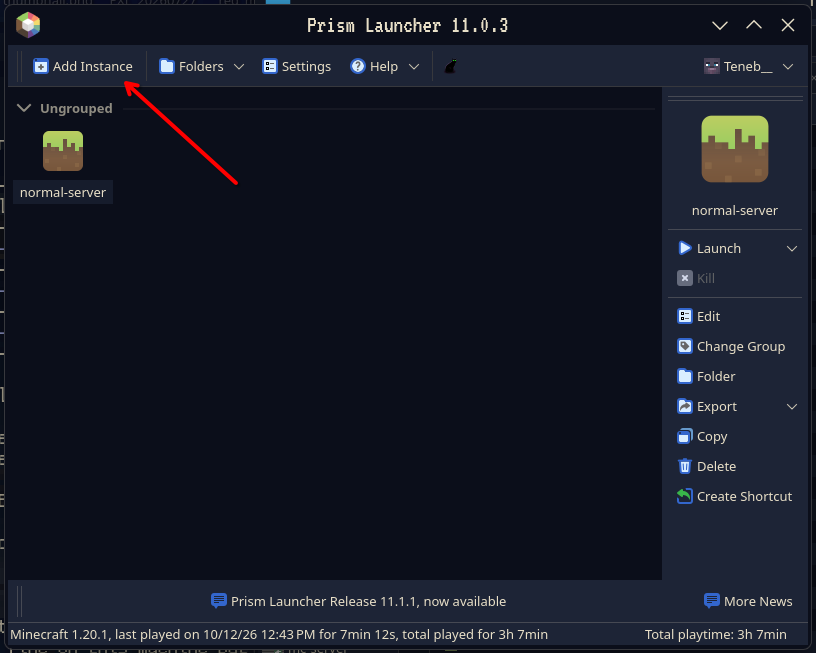
- Open Prism and click Add Instance
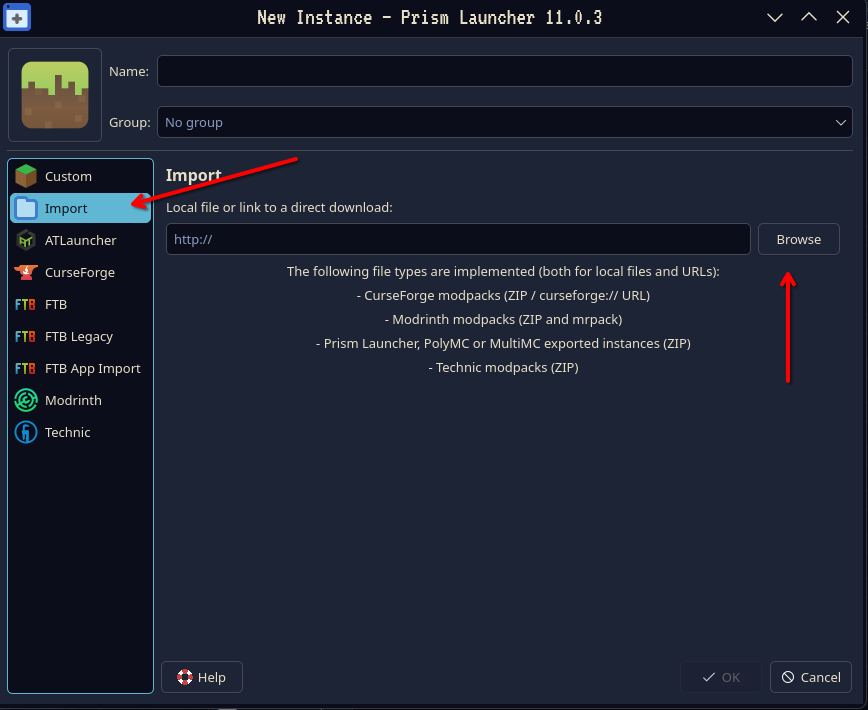
- Choose Import on the left, click Browse and pick the modpack zip, then click OK
- Optional — only if you previously played through the CurseForge app: you can bring your old stuff over. Open your old CurseForge
normal-serverfolder (in CurseForge: right-click the profile → Open Folder), then in Prism select the new instance and click Folder. Copy the contents of the old folder into the new instance'sminecraftfolder. - Select the instance and click Launch
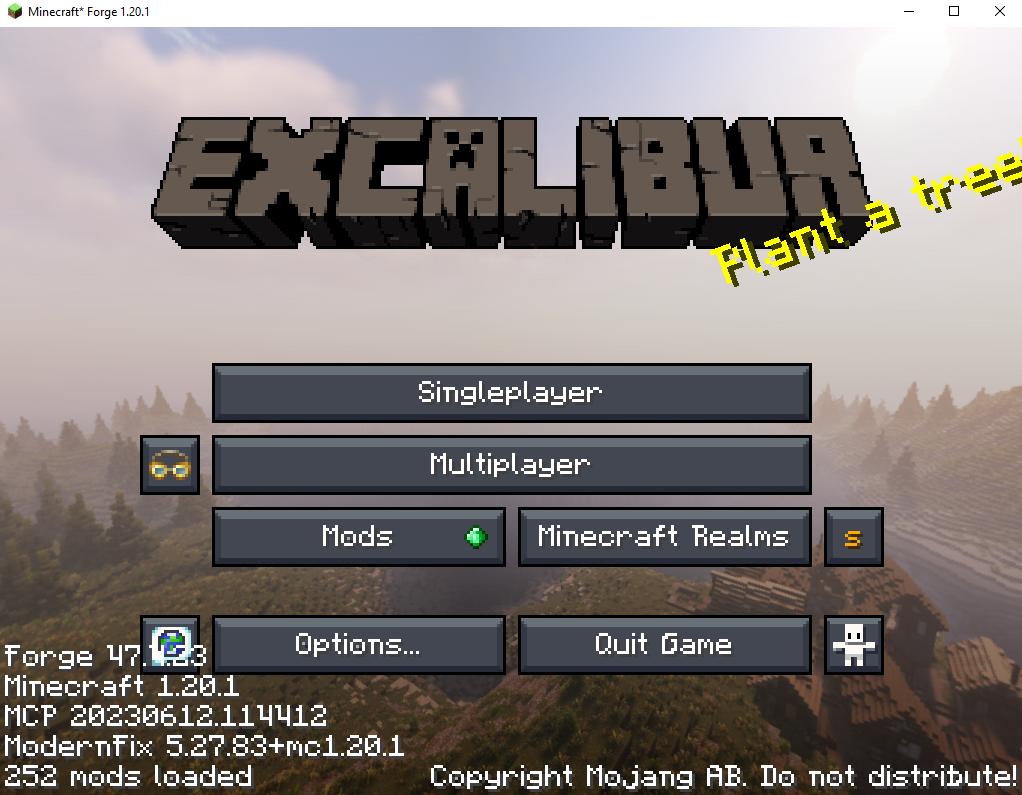
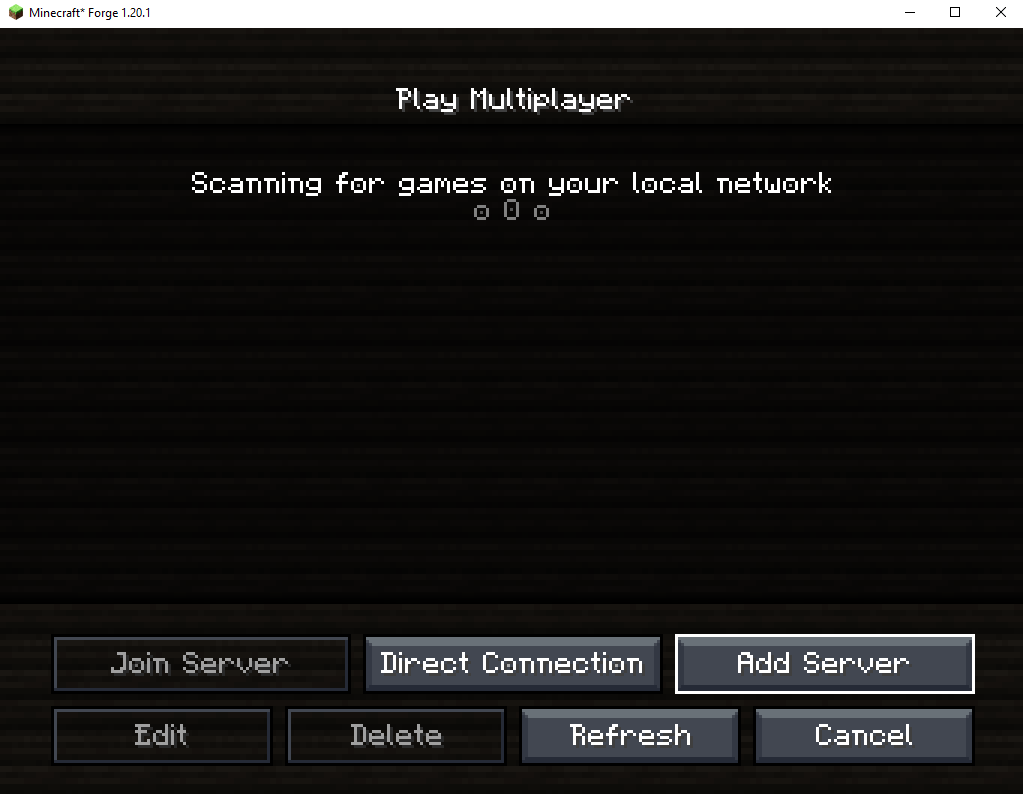
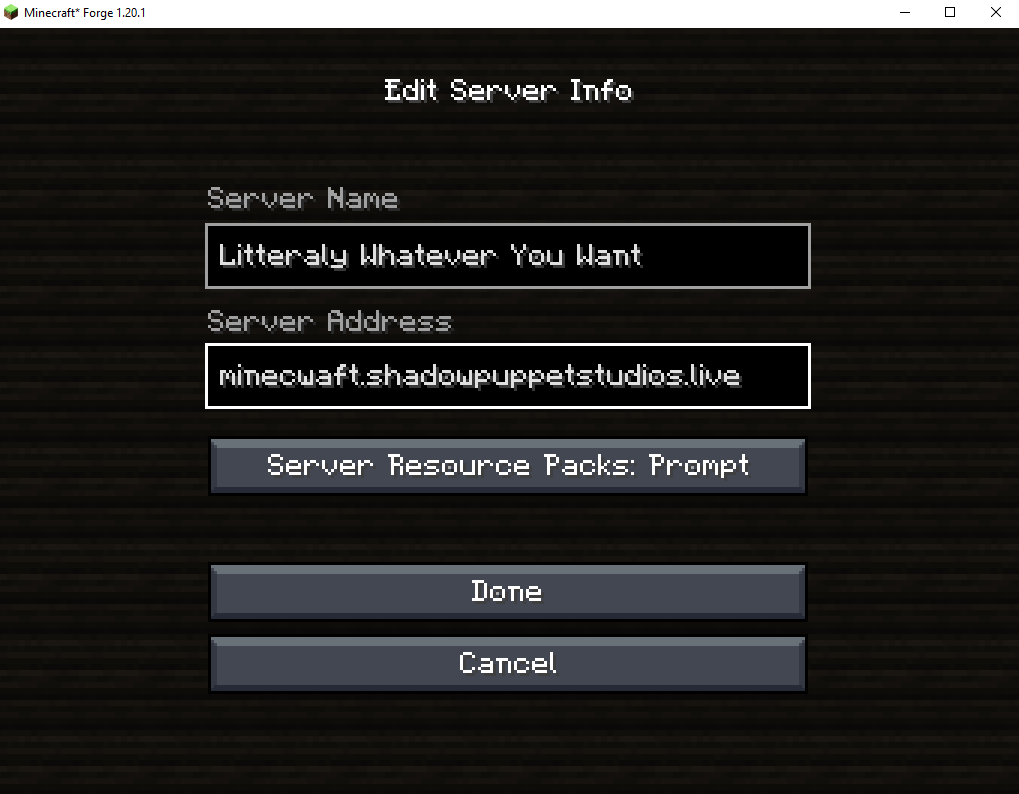
- Once in game, go to Multiplayer and add a new server with this address: minecwaft.shadowpuppetstudios.live
Voice Chat
This server includes an optional Proximity Voice chat feature. If you wish to enable it, follow these instructions:
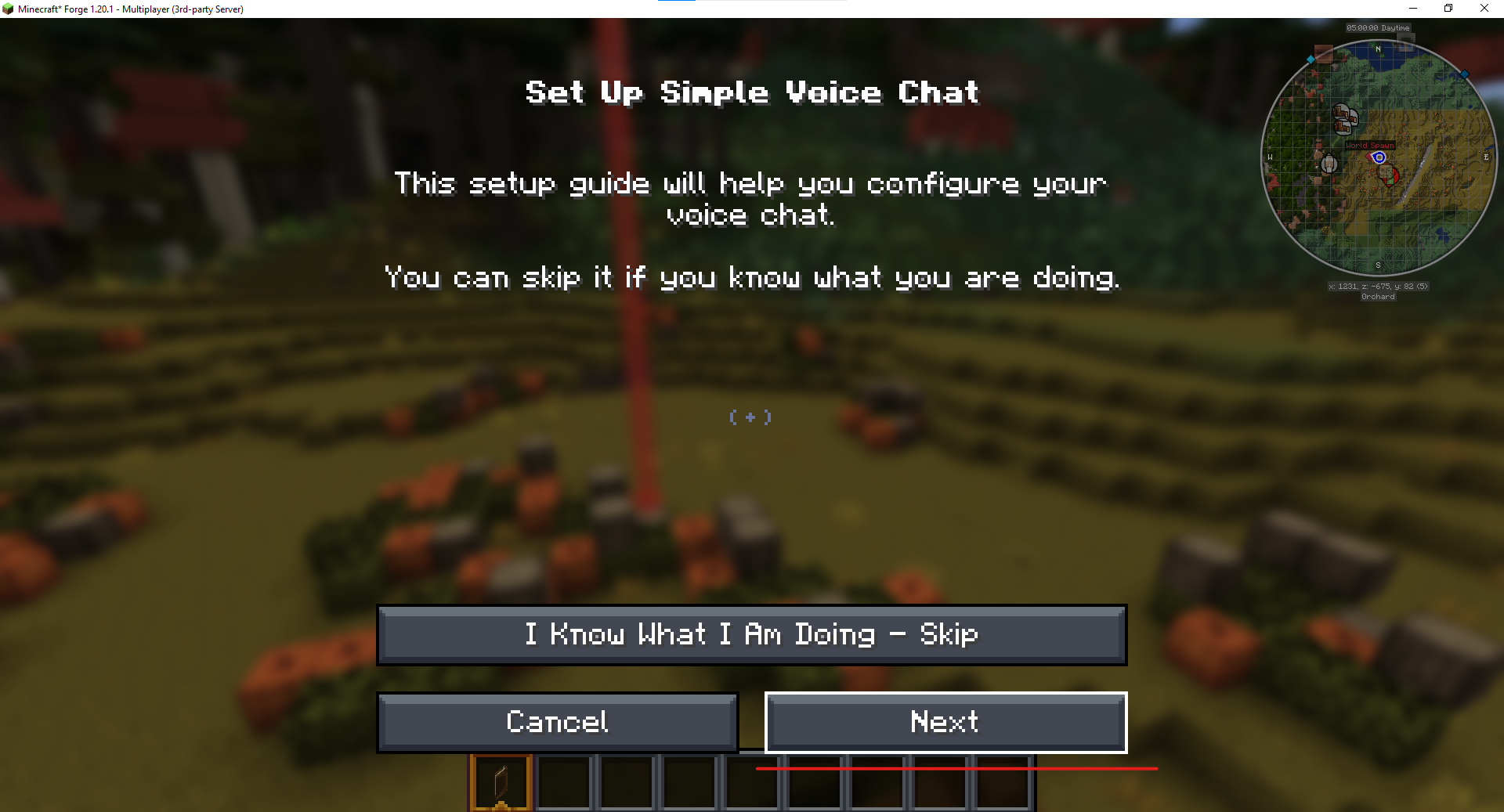
- Press configuration key (V by default)
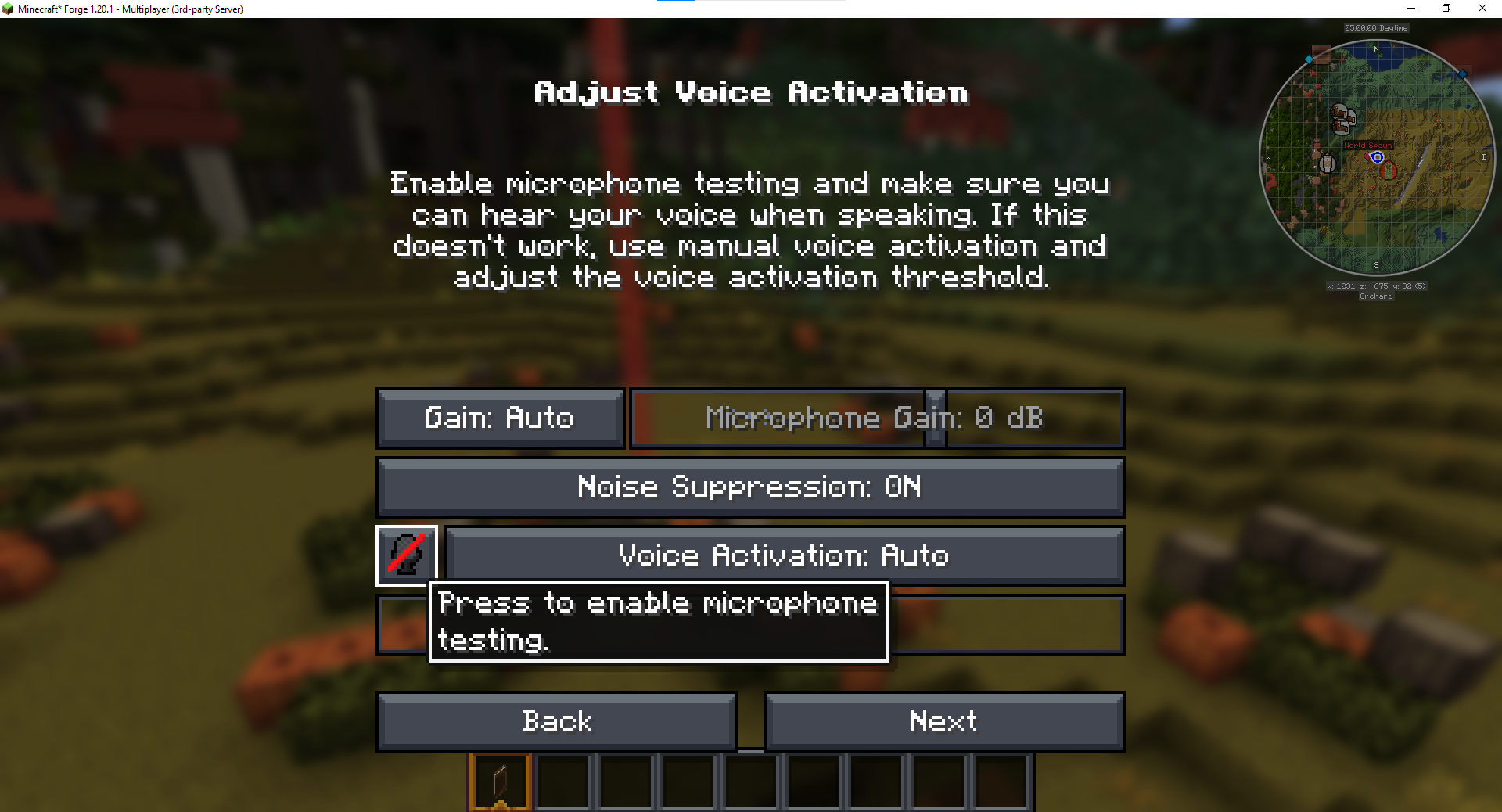
- Go through the set-up; don't forget to test your audio at the end
- Once configured, you will be muted by default. You can unmute yourself by pressing
,by default. - There you go, you can now talk to your fellow players!